
MAK Activation and VAMT: A Practical Guide for IT Admins
How Multiple Activation Keys work, when to choose MAK instead of KMS, and how to manage MAK activation at scale with the…
Clear guides on KMS hosts, GVLK keys, slmgr commands and troubleshooting for organizations that use Windows volume licensing.
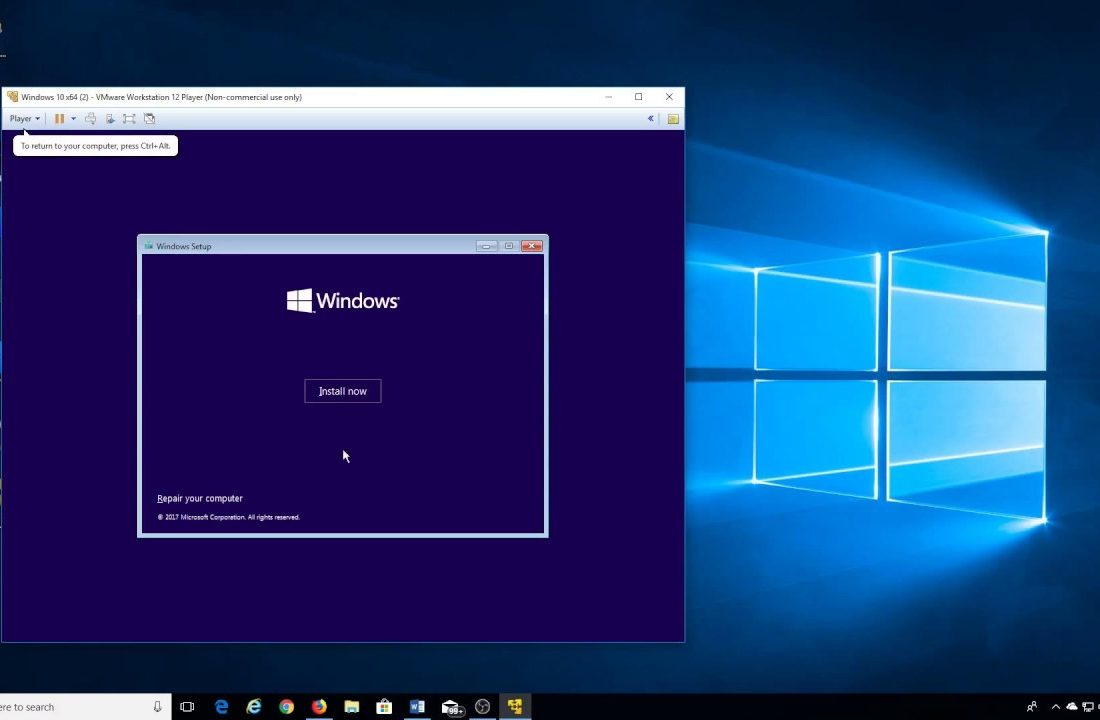
Learn how licensing and activation work for Windows virtual machines on Hyper-V, VMware and VirtualBox, including vTPM, evaluation images and AVMA.
Key Management Service, or KMS, is the official Microsoft technology for activating Windows and Office in organizations that buy volume licenses. Instead of typing a separate product key on every computer, a company sets up a single KMS host on its local network. Client machines that use a Generic Volume License Key find the host automatically, activate for 180 days and quietly renew every seven days while they remain connected to the corporate network.
On this blog we break the whole process down into short, practical guides: how to install and configure a KMS host, which slmgr commands to run, how DNS records and port 1688 affect discovery, and how to fix common errors such as 0xC004F074. Whether you manage ten computers or ten thousand, start with our KMS host setup guide and keep every single device in your organization properly licensed and compliant.
Four steps happen automatically every time a volume-licensed PC activates.
The client finds the KMS host through a DNS SRV record or a manually set address.
It sends an activation request over TCP port 1688.
The host checks that enough clients are counted to meet the threshold.
Activation lasts 180 days and renews every 7 days in the background.
Fresh tutorials, deep dives and troubleshooting notes.
How Multiple Activation Keys work, when to choose MAK instead of KMS, and how to manage MAK activation at scale with the…
Learn what Windows 11 S mode is, its pros and cons, and how to switch out of S mode for free through…
Learn what Windows 10 Extended Security Updates are, how consumers and businesses enroll, how ESU keys are activated and what to plan…
Learn how to activate Windows Server with a product key and convert an evaluation installation to a licensed Standard or Datacenter edition…
Step-by-step guide to installing and activating Microsoft 365 or Office 2024 on macOS, plus fixes for Unlicensed Product and sign-in loops.
Learn the warning signs of fake, resold and grey-market Windows and Office keys, where to buy genuine licenses and what to do…
Find out why the Activate Windows watermark appears on your desktop, what it means, and how to remove it properly by activating…
Find your Windows 10 or 11 product key in firmware, email receipts, your Microsoft account or on a sticker, and learn when…
Upgrade Windows 11 Home to Pro with a product key or the Microsoft Store, keep your files and apps, and learn which…
Each successful activation is valid for 180 days.
Clients try to renew every seven days.
Windows clients activate once 25 machines are counted.
Windows Server activates once 5 servers are counted.
Short answers about KMS, volume licensing and activation.
KMS is a Microsoft service that lets organizations activate many Windows and Office installations from a single host on their own network.
Organizations with a Microsoft volume licensing agreement. The host is activated with a CSVLK key provided under that agreement.
180 days. Clients automatically try to renew every 7 days while they can reach the host.
TCP 1688 by default. Make sure it is allowed by your firewall between clients and the host.
A Generic Volume License Key. It is publicly documented by Microsoft and tells Windows to look for a KMS host.
No. Tools that emulate a KMS host without a valid license breach Microsoft’s terms and are frequently bundled with malware.
Run slmgr /skms host:1688, then slmgr /ato to activate.
The client cannot contact a KMS host. Check DNS records, the host name and port 1688.
Search the archive by error code, command or topic.


